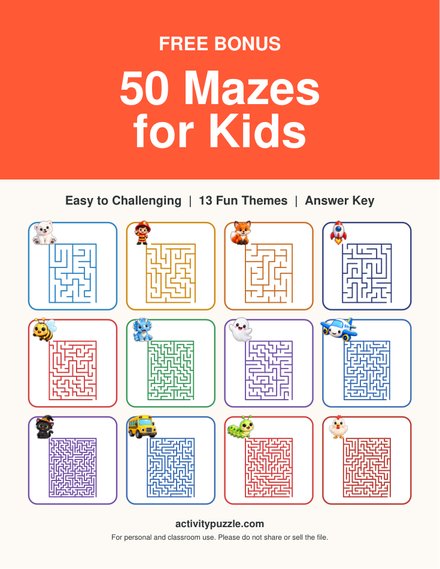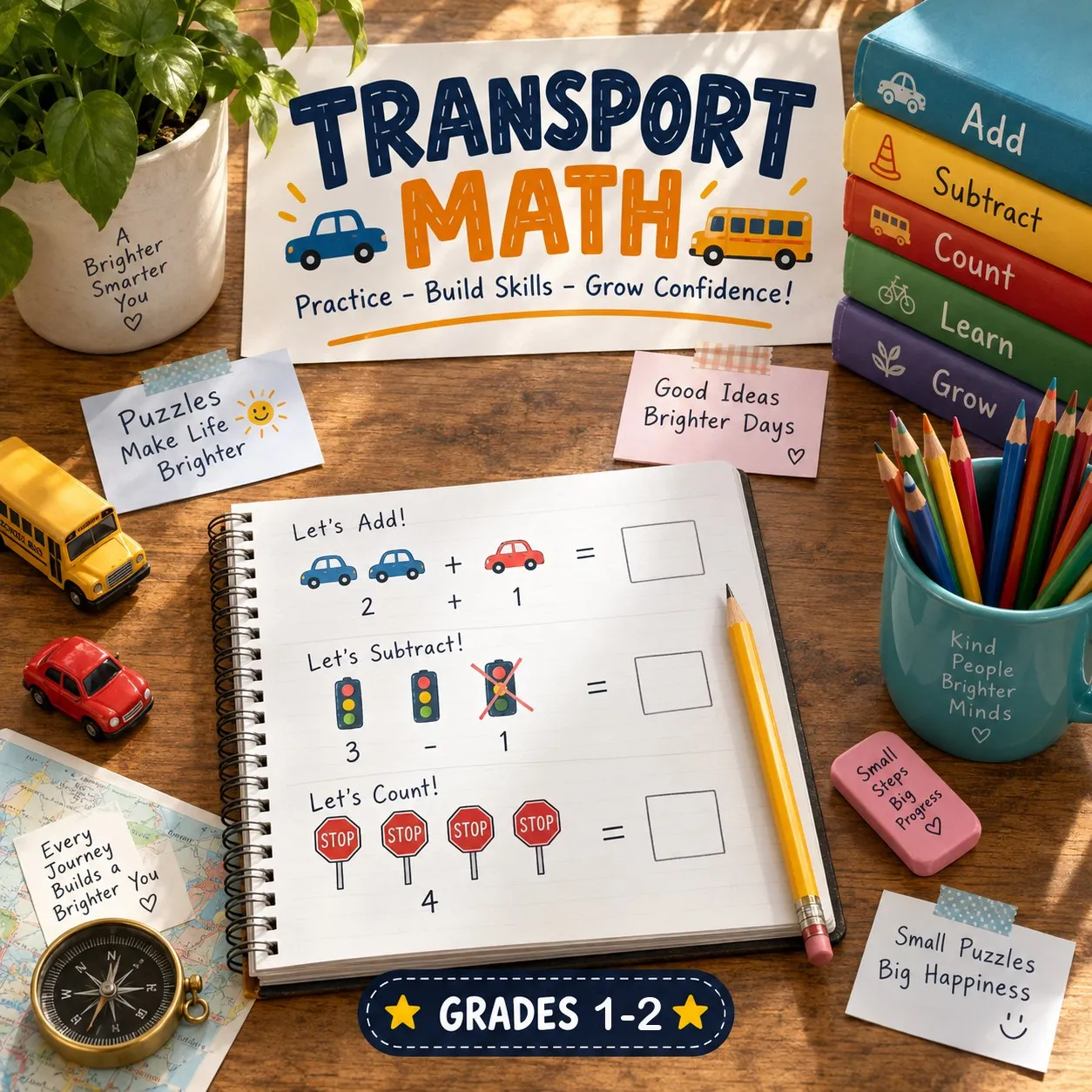
Every printable on Activity Puzzle is a PDF made for US Letter paper. These steps get a clean print on the first try, at home, at school or at a print shop.
The right settings
- Download the PDF and open it in a browser or a PDF reader such as Adobe Acrobat Reader.
- Choose 100% or Actual size. On A4 paper choose Fit to page instead.
- Keep the orientation on Automatic or Portrait.
- Print one page per sheet: turn off booklet mode and “multiple pages per sheet”.
- Print one test page before a whole pack.
Print only what you need
A printable can be 1 to 97 pages long. Type the page numbers you need in the print dialog, for example 1-3 for the puzzles, and add the answer pages from the end of the PDF for yourself.
Save ink
- Pick the black and white version on the download button when a set offers one. It keeps every puzzle readable.
- Use grayscale mode for color pages you only need for practice.
- Draft mode saves more ink, but check that thin maze walls and small word-search letters are still clear.
- Let kids add the color: a finished black and white puzzle makes a nice coloring page.
Fix common problems
The edge of the page is cut off
Check that the paper size is US Letter (or choose Fit to page on A4). Most home printers cannot print right to the edge, so Fit to page is the safe choice.
The page prints too small
“Multiple pages per sheet” or booklet mode is on. Set one page per sheet and 100%.
Lines or letters look faint
Turn off economy or draft mode for that page, check the ink or toner, and print at standard quality.
The PDF does not open
Download it again; the first download may have stopped early. Make sure the file name ends in .pdf and open it in a current browser. On a phone, open it in the Files app or a PDF reader, then print or send it to a computer.
The download button does not seem to work
Some browsers save PDFs straight to the Downloads folder without opening them. Check that folder first.
Still stuck? Write to us from the contact page and tell us which printable you tried.
Free sets to try

Arctic Math Worksheets (3rd Grade)
Free Arctic 3rd grade math worksheets: 3-digit addition and subtraction with regrouping and multiplication facts. 36 problems, answer keys included.
View Printable: Arctic Math Worksheets (3rd Grade)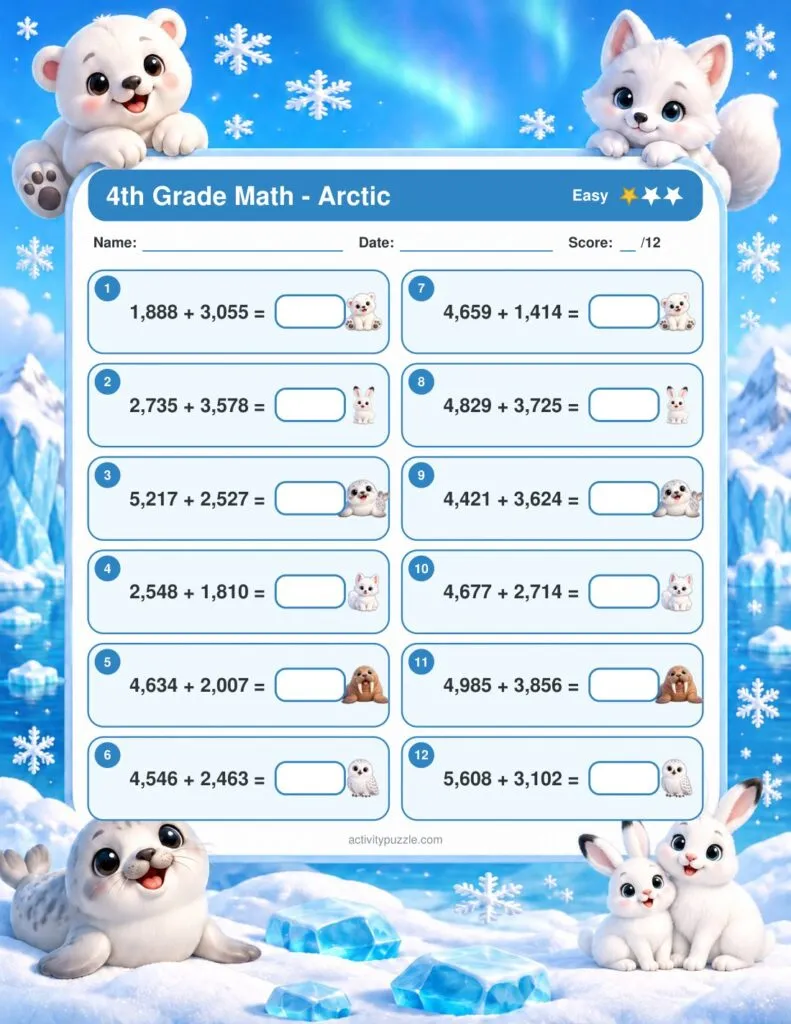
Arctic Math Worksheets (4th Grade)
Free Arctic 4th grade math worksheets: 4-digit addition, 2-digit by 1-digit multiplication and division. 36 problems, answer keys included.
View Printable: Arctic Math Worksheets (4th Grade)
Bugs Math Worksheets (3rd Grade)
Free Bugs 3rd grade math worksheets: 3-digit addition and subtraction with regrouping and multiplication facts. 36 problems, answer keys included.
View Printable: Bugs Math Worksheets (3rd Grade)
Bugs Math Worksheets (4th Grade)
Free Bugs 4th grade math worksheets: 4-digit addition, 2-digit by 1-digit multiplication and division. 36 problems, answer keys included.
View Printable: Bugs Math Worksheets (4th Grade)
Christmas Around the World Math Worksheets (3rd Grade)
Free Christmas Around the World 3rd grade math worksheets: 3-digit addition and subtraction with regrouping and multiplication facts. 36 problems, answer keys included.
View Printable: Christmas Around the World Math Worksheets (3rd Grade)
Christmas Around the World Math Worksheets (4th Grade)
Free Christmas Around the World 4th grade math worksheets: 4-digit addition, 2-digit by 1-digit multiplication and division. 36 problems, answer keys included.
View Printable: Christmas Around the World Math Worksheets (4th Grade)